
The sign-up sheet
that fills itself.
Recurring shifts, qualified roles, and reminders that actually go out — for schools, churches, and everyone who runs on volunteers.
Free for volunteers, always · $1 to try for your organization
Everything a coordinator needs, nothing they don't.
Recurring in one pass
Every Monday for the whole school year, built from a single prompt — then click the holidays off. No copy-pasted rows.
The right people only
Lock a role to parents, certified helpers, or any group you define. Volunteers only see shifts they can actually take.
Nudges that go out
Email and text before every shift, plus an urgent call-out to the people who can fill it when someone drops out close to the day.
Counted automatically
Attendance rolls up into hours per volunteer, ready for year-end recognition — no tally sheet required.
Who's coming, at a glance
Live rosters with one-tap contact and day-of attendance, right from the phone in your pocket.
One login, every group
Volunteer for your school and your church from the same account. Coordinators get the tools; volunteers stay focused.
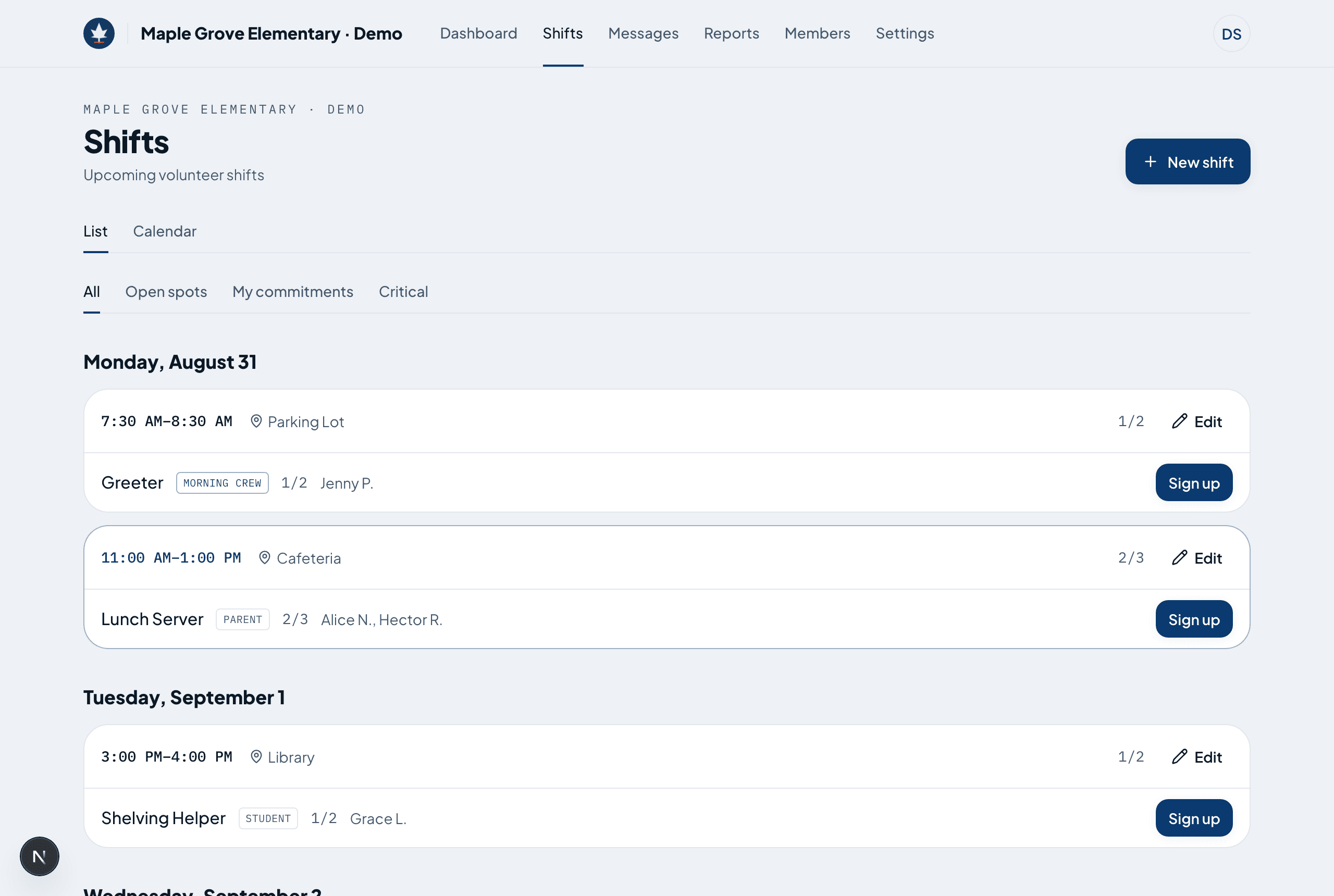
This is the actual screen, not a drawing of one.
Every shift, and who's on it
Grouped by day, with the roles that still need people called out. No opening anything to see who is covering Tuesday.
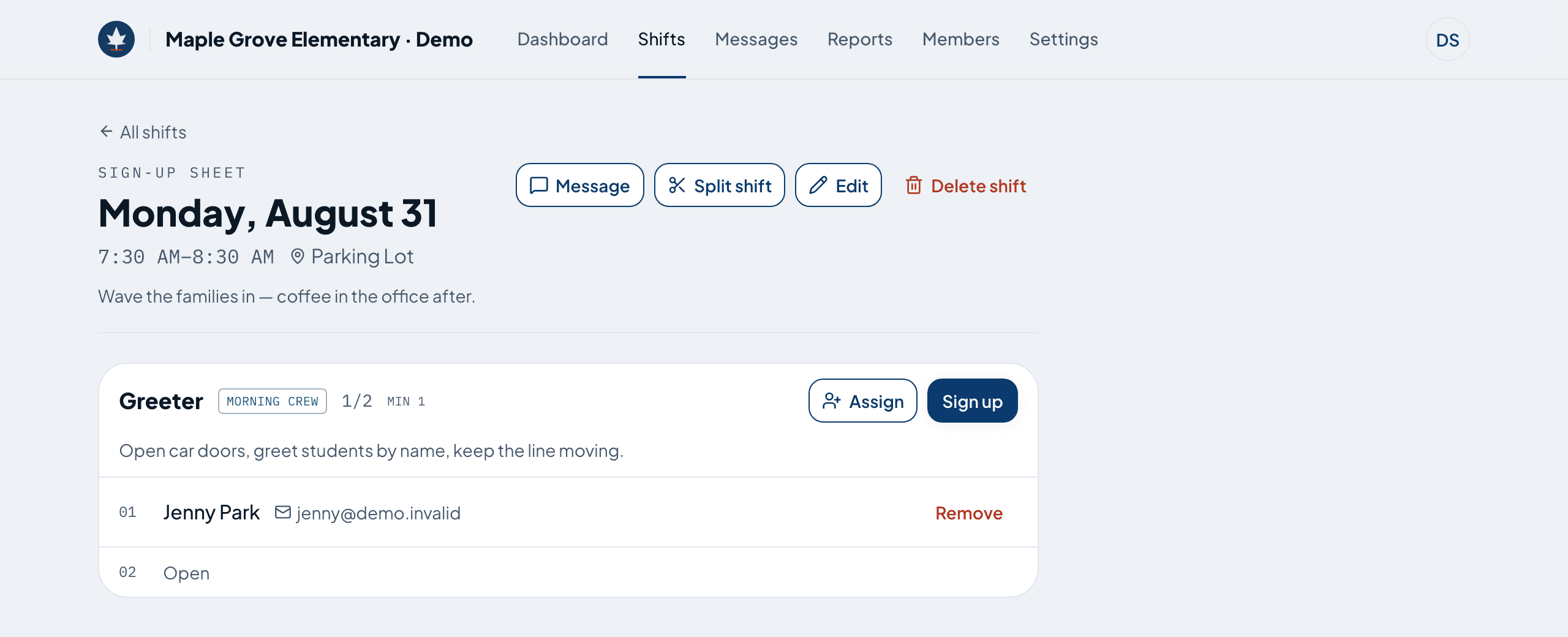
Numbered lines, like the clipboard
One line per spot. Volunteers put their name on an open one; coordinators mark who actually turned up.
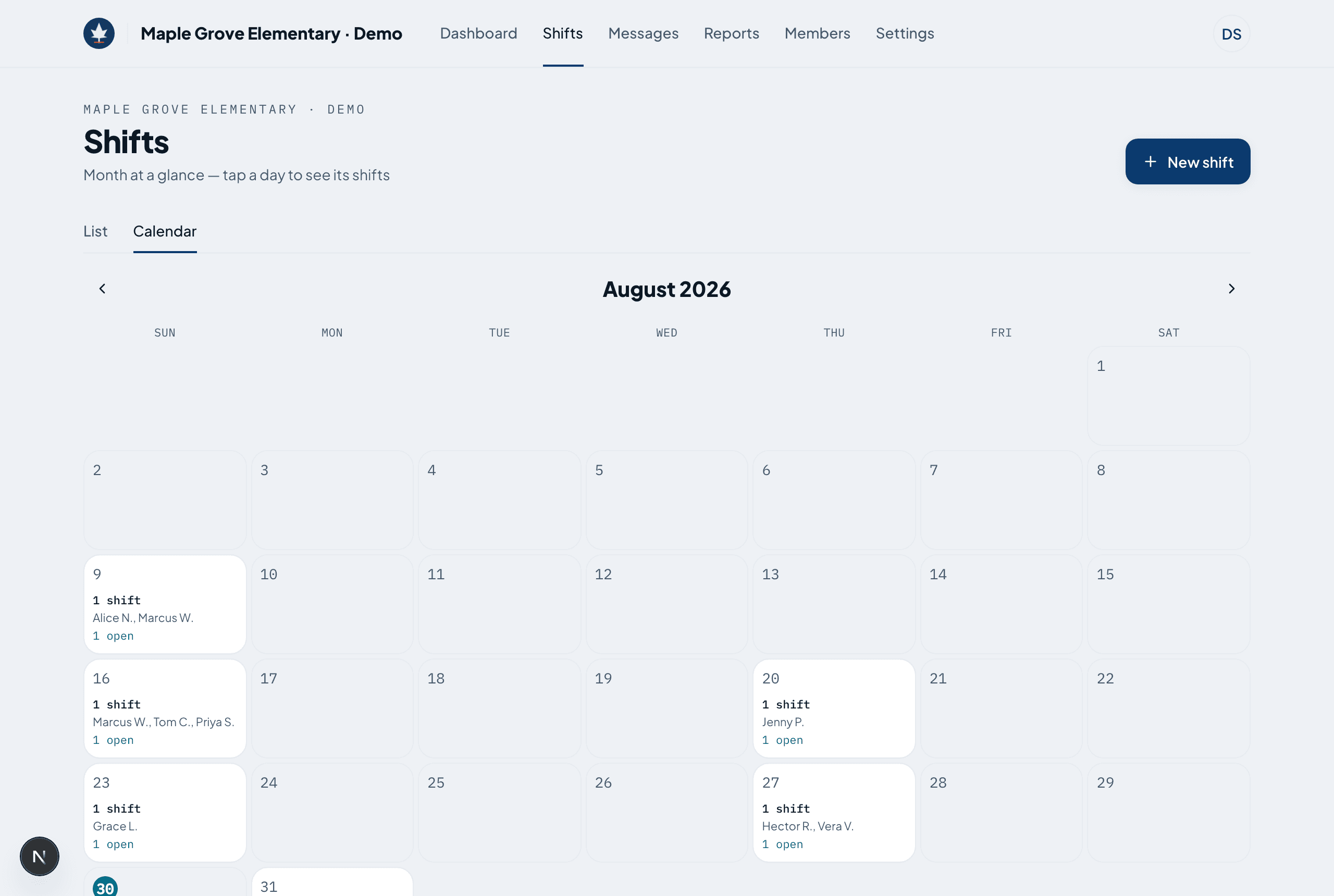
Where the season is thin
A month at a glance — who is on each day, how many spots are still open, and a mark on the days below their minimum.
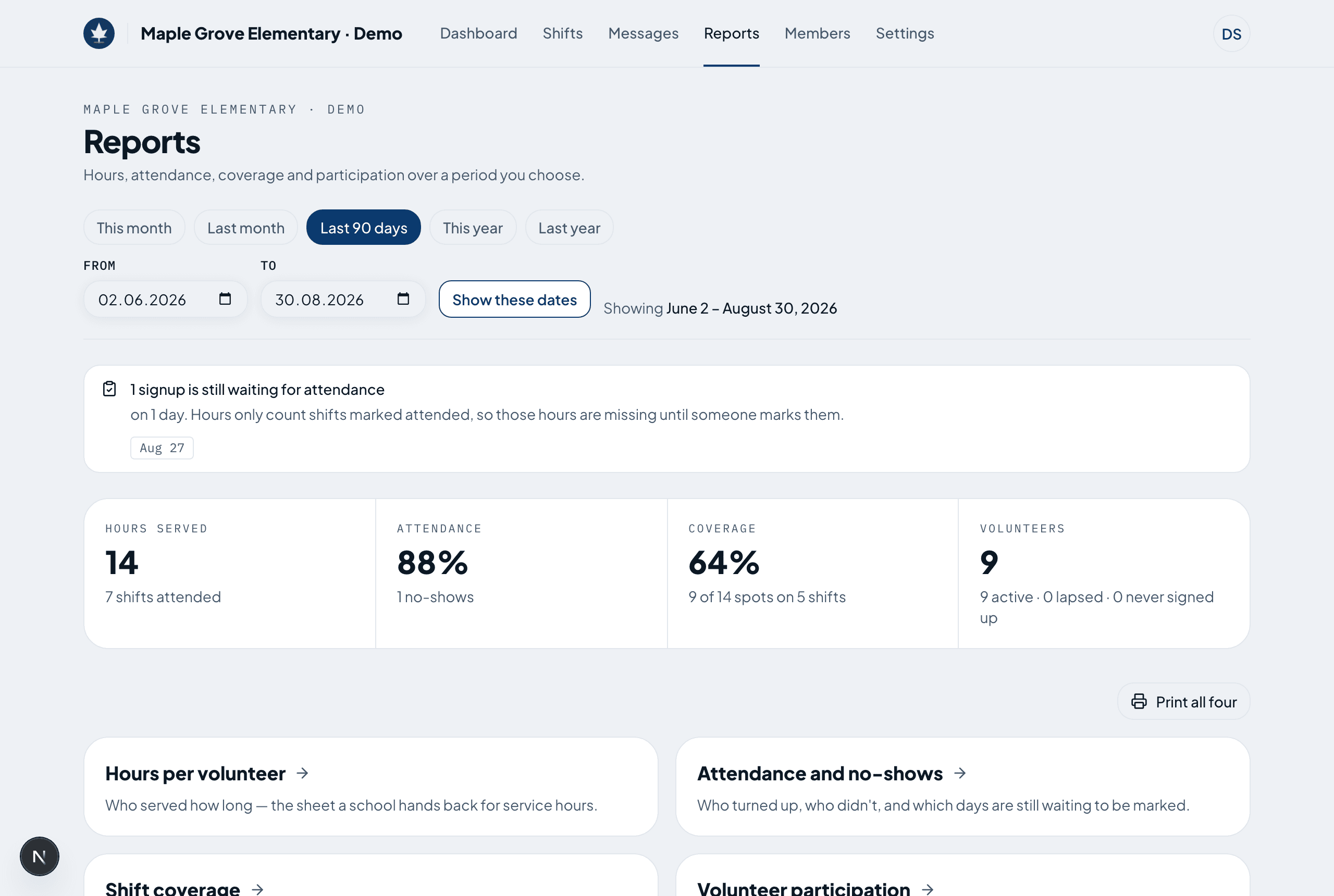
Hours, ready for recognition
Attendance rolls into hours per volunteer, coverage and no-shows — with a nudge about the days still waiting to be marked.
From blank sheet to full roster in three steps.
Start your sheet
Name your school or church and invite the coordinators who run it. A minute, tops.
Post the shifts
Lay out a recurring schedule, add the roles you need, and publish. Volunteers see it the moment you do.
Watch it fill
Volunteers pick what fits, get their reminders, and show up. You watch the coverage come together.
Volunteers never pay. Organizations start at a dollar.
For schools, churches, and small teams.
- Up to 50 volunteers
- Unlimited shifts & recurring schedules
- Roles, groups & locations
- Email & SMS reminders
- Volunteer hours & attendance
For larger organizations.
- Unlimited volunteers
- Everything in Community
- Multiple coordinators & admins
- Priority support
$1 · one-week trial, then billed monthly — cancel anytime during the trial and pay nothing more.
The things every coordinator asks first.
Do volunteers have to install anything?
No. They join from a link or a QR code and sign up in whatever browser is already on their phone. Nothing to download, no account to remember beyond an email and a password.
Half our parents aren't comfortable with apps.
Then a coordinator signs them up on their behalf, and they still get the reminder. The whole roster also prints on one page for the ones who want it on the fridge.
Who can see a volunteer's phone number?
Coordinators and administrators, because they need to reach people. Other volunteers see a shortened name — “Rachel K.” — on a shift and never see contact details at all.
Do we have to send text messages?
Only if a volunteer asks for them. Email is the default; texts are something each person turns on for themselves, and they need to give a number to do it.
Can more than one person run the schedule?
Yes. Invite as many coordinators as you like — they post shifts and mark attendance — and keep administrators for the people who manage members and billing.
What happens if we stop paying?
Nothing is deleted. The schedule stays there to read and print; you just can't post new shifts or take signups until the subscription is back.
Written for the way your group actually works.
Retire the spreadsheet before the next season starts.
Set up your organization in minutes and post your first shifts today.
Get started free